Fooling Phone Fingerprint Sensors

Forbes describes an interesting 2016 case in which police were unable to lock the Samsung Galaxy S6 that belong to a murder victim.

When Dr. Anil Jain was approached by the Michigan State University Police Department to unlock a murder victim’s Samsung Galaxy S6 using a fingerprint clone, he didn’t think the solution would be so cheap. But he told FORBES that the equipment needed to produce the high-definition print cost under $500. What’s more, he said, the same technique, at the very least, can unlock the Samsung Galaxy S7 and the iPhone 6. And American cops are already hungry to use the hacking technique in other cases where they’re struggling to get evidence from smartphones.

. . .

All Lansing could provide, though, were the prints on file, which were missing parts of the fingers’ ridges and valleys. And the researchers had no idea which finger the man had used on his phone, meaning they’d have to create copies of all 10 digits.

It wasn’t much to go on. But Jain worked alongside Kai Cao, post-doctoral scholar, and Sunpreet Arora, PhD student, to try out numerous methods to unlock the Samsung phone. At first they put together some basic high-definition 2D prints. They failed. The academics, who’ve specialized in biometrics for more than 20 years, then moved to creating a full 3D print, using equipment worth tens of thousands of dollars.

. . .

When they called the police in for a third attempt at cracking the Samsung, the researchers tried three different 2D prints with varying levels of enhancement — going too low or too high wouldn’t match the biometric record on the Samsung device. The third time, they got lucky. In five minutes the device was open and the Lansing cops went away happy. The 3D prints didn’t work at all.

Android really needs to up its security game. It’s ridiculous that iOS is so much more secure in general, and that there’s such a variance in security on Android between manufacturers who add (or don’t) additional security enhancements.

Found on Github: A Dump of All Possible Android Pattern Lock Sequences

Android developer delight.im has a Github repo containing a dump of every possible Android pattern lock sequence. (Hint, the pattern lock isn’t a very secure way to protect yourself on Android; then again, Android’s not very secure to begin with).

MicroPinner for Android

MicroPinner for Android is one of those apps that just solves a particular problem in a straightforward, non-bloated way. In this case, MicroPinner is for when you want to create a custom notification.

MicroPinner lets the user set a title and content for the notification, and then set priority and visibility, and that’s about it. Very low footprint that just does one thing and does it well.

The app is open source and developer Lukas Wolfsteiner has made the code available in a Github repository.

KeepTrack for Android Finally Is The Swiss Knife of Tracking Apps

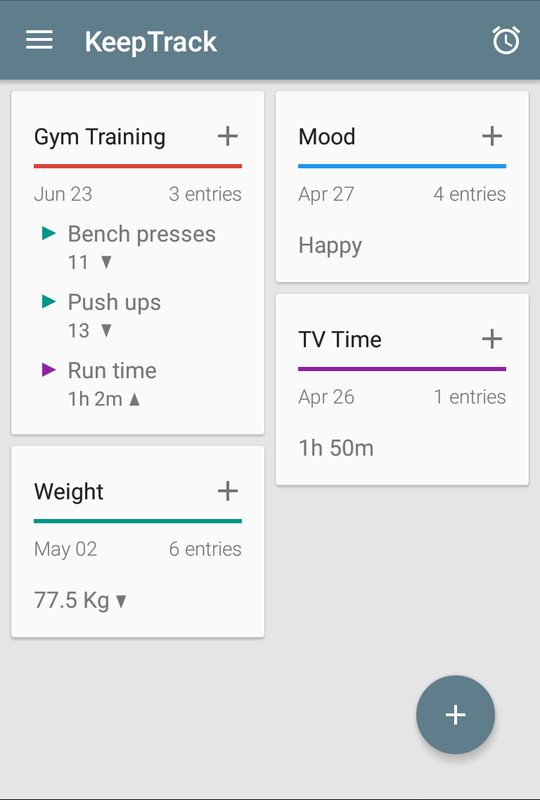
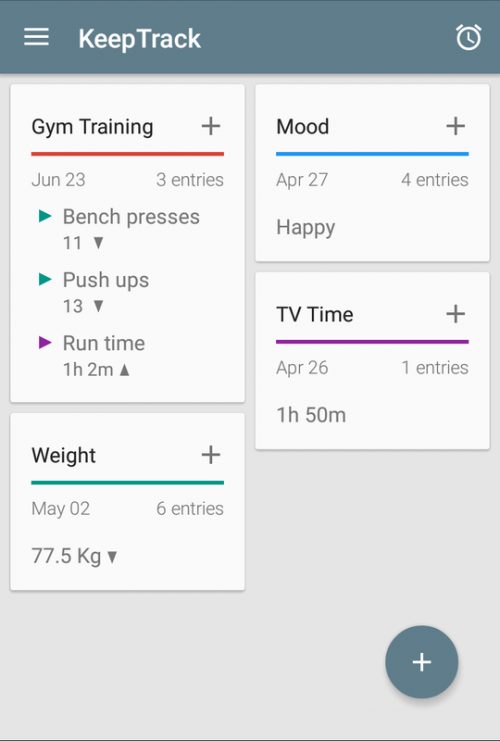
Keeptrack Screenshot I have tried different versions of KeepTrack for Android over past six years, but always ended up abandoning it for one reason or another. The latest version, however, has earned a permanent spot on my phone and warrants the company’s tagline, “The Swiss knife of tracking apps!”

KeepTrack allows the users to set up multiple custom data tracking entries. For example, I was able to use it to quickly set up a widget to track my blood pressure as well as another widget that I hit everytime I drink 32 ounces of water during the day.

When I had pain from a knee injury, I set up a tracking widget to hit ever time I took my pain meds, so that I could look back at anytime and make sure I was taking the medicine at the appropriate intervals.

Data can be entered directly into the app itself, or users can create widgets on an Android homescreen for specific data parameters as well (I have some things I track that I don’t want on any of my home screens due to privacy reasons, for example).

The app itself is free, but there are a number of in-app purchases which are absolutely essential to getting the most out of the app. All of the in-app purchase costs a little over $4 in total (one of those is a 99 cent annual cloud storage backup subscription, which worked as advertised when I switched phones several times in the course of a month).