Lilia Efimova has a nice summary of using a weblog as a personal productivity/knowledge management tool. Efimova is currently finishing up her PhD and frequently posts to her blog about ideas/information that she has that are relevant to her thesis.
Communication and information sharing. Sharing information via a weblog is not a specific activity, but a by-product of writing. In most cases it’s an advantage; however it limits potential uses of blogging when access to some of the weblog posts have to be restricted. Weblog is not good for a goal-driven communication to a known few people, but it is a perfect instrument for non-intrusive sharing of ideas in cases where potential audience is not well defined.
In the comments, Dave Ferguson expands on this idea,
I agree with several of your points. Usually I’m on the same computer, so accessability isn’t that big a deal for me… but accessability for others is. I have many friends and contacts who aren’t big on blogging. It’s easy for me to say, “go to my blog and search for XYZ. I have a link in the post, so you can go to the original.
I do that all the time to people because, well, I do it all the time myself. The weird thing is there is this other woman who portrays herself as an expert on weblogs and has a very successful business doing so who pretty much says you should never just write a blog, essentially, for yourself that consists largely of things that you want to keep around to reference later. Instead, apparently, it’s not really a blog unless you’re writing for some specific audience, however vaguely you might define that.
Pshaw. People occasionally tell me they this or that post here useful, but for the most part I blog about things that strike a chord in me that I know I will forget about unless I write about them here so I can look them up later. In fact, more than once I have Googled for the answer to some specific problem or another only to find my site comes up on the first page of links, and I think to myself “I wrote about that? When?” (Seriously, I’m not so sure about the Singularity, but I’m ready for a pill that expands human memory like yesterday).
In fact, I love the name of Ferguson’s blog — Dave’s White Board.
That’s also what annoys me so much over the received wisdom from elitists that blogs are useless precisely because they are assemblances of random stuff without any real connecting thread (i.e., they do not tend to be like 500 page nonfiction books or 15 page New Yorker stories). That’s not a bug, that’s a feature.
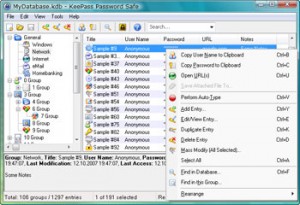
 Web Worker Daily has